




Bommarito Chevrolet South County

Blog / Tips & Tricks

Should You Buy or Lease Your Next Chevy?

Image via Shutterstock

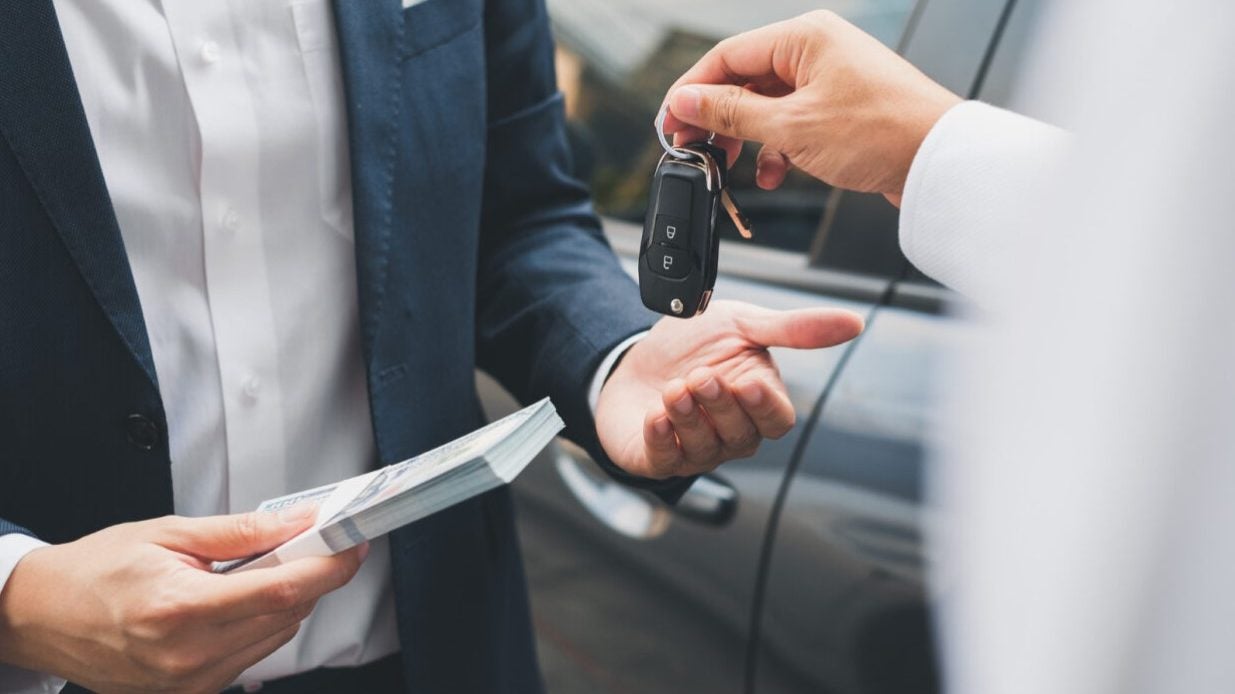
Are you ready to get behind the wheel of a new car? If you aren't sure whether you'll buy or lease when you get to the Chevy dealer, it's smart to research your options.

Pros of Buying a Chevy

When you buy a car, you own it. You can customize it, drive it as much as you want, and keep it as long as you like. With each payment you make, you'll build equity in your car. You can use this equity as a trade-in or down payment when you're ready to buy a new car.

Pros of Leasing a Chevy

Lease payments are generally lower than loan payments since you are only paying for depreciation that takes place during the term of your lease. Your leased Chevy will also usually still be under warranty throughout the lease period. That means you don't have to shell out for unexpected repairs.

Leasing allows you to drive a new Chevy model every few years. Once your lease is finished, you don't have to try and sell your car. Just return it to the dealership!

Cons of Buying a Chevy

Buying a car typically means higher monthly payments compared to leasing. You are financing the entire purchase price of the vehicle. Your Chevy will also depreciate over time, reducing its resale value. If you sell it at the wrong time, you could still owe money ​on your loan.

As the owner, you have to pay for any repairs or maintenance your car needs once it's out of warranty. While it may not cost much at first, the older your car gets, the more expensive it can be to maintain.

Cons of Leasing a Chevy

Leasing a Chevy does not mean you own the car. Instead, it remains the property of the dealership. Similar to renting something, you make payments that allow you to use your Chevy for the term of the lease. Once the lease ends, you don't have anything to show for your payments. Instead, you have to return your car to the dealer.

A lease also limits how far you are allowed to drive each year and how much wear and tear is considered acceptable. ​Ignore these limits, and you could owe a lot in fees when you return your car.

Should You Buy or Lease at the Chevy Dealer?

If you prefer full ownership, drive a lot, and want the flexibility to modify your vehicle, buying is more likely to be for you. If you'd rather drive the latest models, prefer lower monthly payments, and want to avoid the hassle of resale, a lease could be your best option.

Ultimately, the choice is up to you. Swing by Bommarito Chevrolet South County in St. Louis, MO, and let us help you find the perfect car for your needs.
Posted in:

Related Posts

How to Use Chevy's Mobile Apps to Stay Connected

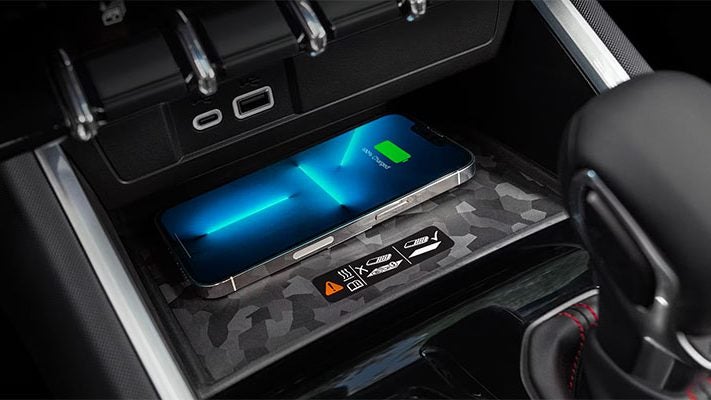
Image via Chevrolet Given the ubiquitous nature of smartphones, mobile apps are not only a simple and convenient way to connect to others, they're also a practical way to connect to your vehicle. The myChevrolet Mobile App is your gateway to understanding and controlling your Chevy vehicle from wherever you are. Let's dive further into Chevy mobile apps. more How to Use Chevy Mobile Apps to Stay Connected How to Set Up myChevrolet Mobile App The first step in controlling your vehicle with your smartphone is to download the myChevrolet Mobile App through the Apple App Store or Google Play Store. You'll then need to create an account. If you set up an account with us when you purchased your vehicle, you can use those login credentials. If you haven't, but you've already registered for an OnStar account, you'll want to use the same email address to seamlessly connect the service to your vehicle. If this is your first time registering for a myChevrolet account, you'll be asked to go through a multi-factor authentication process. Once that is complete, you're in! From the app's home screen, you're given simple access to everything included in your connected services plan. If you have more than one vehicle, you toggle between them by tapping on the Account button and selecting your desired vehicle. This is also where you can add new vehicles if needed. Understanding Remote Commands If your vehicle and service plan support remote commands, you can access them from the app's home screen. Available commands include starting/stopping the engine, locking/unlocking the doors, flashing your lights, activating/disabling the alarm, activating the climate system, and unlocking the liftgate or trunk. To perform any of these functions, find the relevant icon on the home screen or in the Controls tab, press and hold it. Keep holding until the 'Keep Holding' message has disappeared and a 'Sent' message appears. If you've activated the climate system, you can view the temperature status on the home screen. EV Features in Your Mobile App The myChevrolet app supports EV-specific functionality. Your vehicle's battery, charge status, and estimated time remaining can be viewed from the home screen. You can choose to view your charge level as either a percentage or a range value in miles. Your app lets you easily find nearby public charging stations and provides filters for your desired level of charging as well as information such as availability, reviews, and more. Through the Charge-by-App feature, you can remotely start a charging session on a Level 2 or DC Fast Charger. You'll need to have a valid payment method setup within your account in order to use this feature. The myChevrolet Mobile App simplifies access to your Chevy with remote commands, on-demand assistance, and vehicle information, along with additional capabilities for EVs. To get started with this convenient functionality, contact Bommarito Chevrolet South County in Louise, MO.

Chevy Fuel Efficiency Tips: Save Money at the Pump

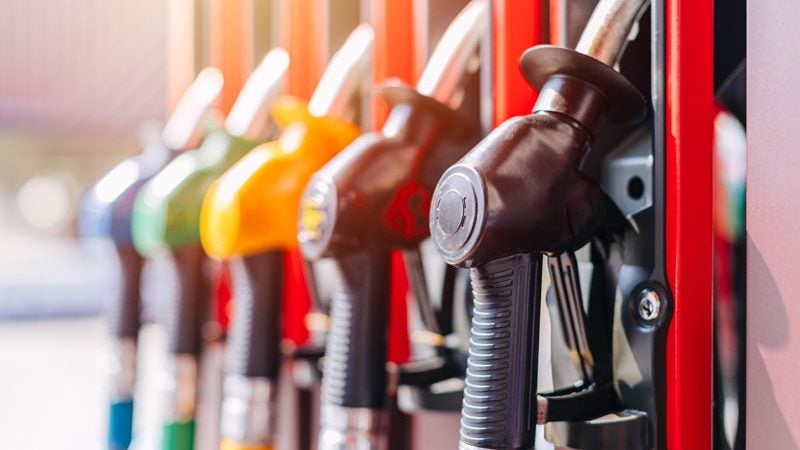
As a driver, fuel can amount to a significant cost each month. Your first good decision was driving a Chevy, which is already a very fuel-efficient vehicle. The following Chevy fuel efficiency tips can save you even more money on your monthly gas expenditure. more Chevy Fuel Efficiency Tips: Save Money at the Pump Minimize the Weight of Your Car Every pound of unnecessary weight puts the engine under more strain and burns more fuel. So if your trunk is filled with cargo you rarely or never use, such as tools or sports equipment, consider clearing it out. Think of any other ways you might lighten the load. Perhaps you have unused roof racks, floor mats, manuals, or child seats that could be moved to the house until needed. Avoid Idling When Possible Idling guzzles gas, so it's usually best to turn off the engine when parked. This also reduced wear and tear on the engine. However, it's not always convenient to turn off the engine, such as when temporarily stopped in traffic. A good rule of thumb is to turn it off if you're stopped for more than ten seconds. Accelerate More Sedately Pushing the pedal to the metal is a surefire way to burn through your gas tank quickly. Instead, accelerate gently, taking your time to reach higher speeds. Picture a cup of coffee resting on the dashboard; try to accelerate without spilling it. Don't Drive Unnecessarily Fast In almost all cars, miles per gallon decline significantly once you climb into higher speeds of over 55 mph. Therefore, for the sake of your gas mileage, it's best to stick to the speed limit and stay under 55 mph whenever you can. Keep Your Engine Finely Tuned An efficient, well-kept engine will take you farther for each gallon of gas. Always keep your engine in great shape with routine tune-ups and quick responses to potential faults. Use the best quality motor oil for your particular model and keep it fresh with regular changes. Keep Your Tires Properly Inflated The less resistance from drag that your tires create, the less fuel your engine needs to burn for each mile you travel. Improper inflation can impact gas mileage, so check your tire pressure diligently. Also, rotate your tires often to prevent uneven wear, which can also create additional friction. Use the Air Conditioner Less The AC system in your car uses a small portion of the engine's power to operate. Therefore, if you use your air-con less, you'll save more fuel. However, we know that switching off the AC is easier said than done during summer, which is why this tip comes last on the list. Visit Bommarito Chevrolet South County in St. Louis, MO, today to have your car fine-tuned for maximum gas mileage. We offer friendly customer care and personalized guidance, whatever your automotive needs may be.

What to Do If Your Chevy Gets a Flat Tire

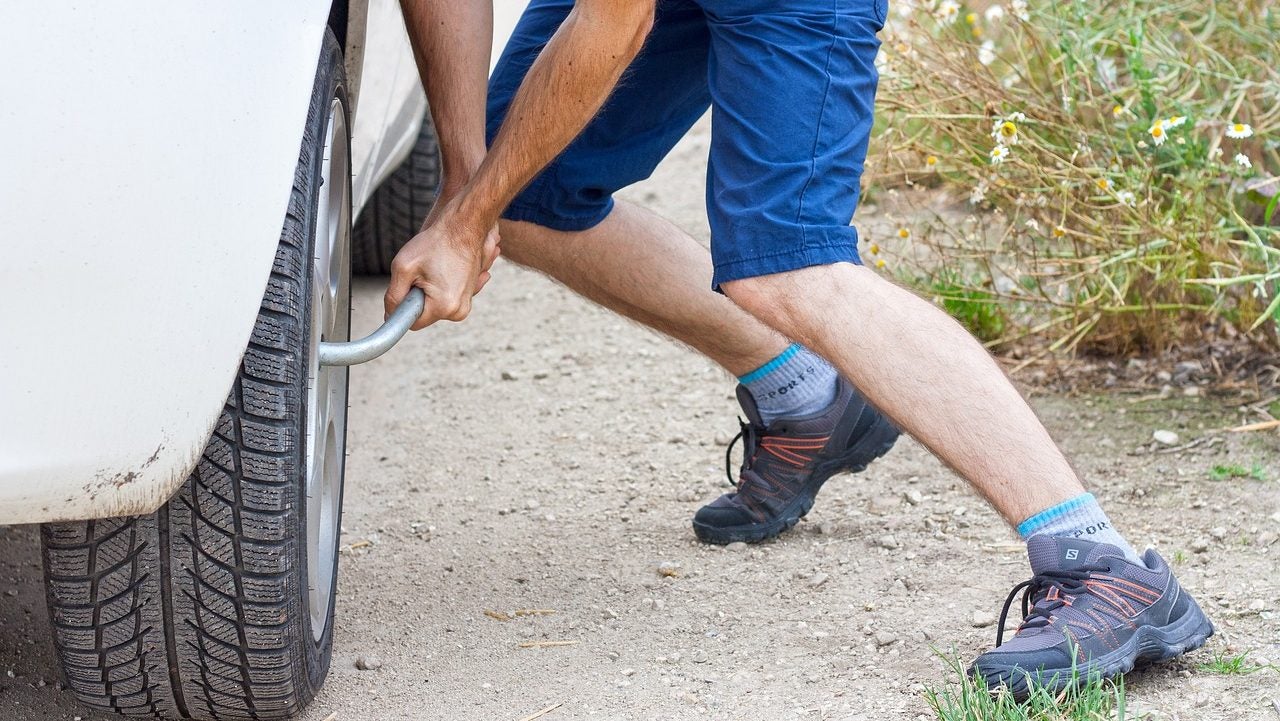
Image via Pixabay So, you're cruising along in your trusty Chevrolet, enjoying a podcast or belting out some classics, when suddenly – thud! Your car feels wobbly, and you know what's happened even before you see the dashboard light up. It's a flat tire. But you don't have to sweat it. With some easy tips from your Chevy dealership, you can go from 'oh no' to 'all fixed' in no time. more Safety First, Always! Before we dive into the repair, remember your well-being is the top priority. Once you realize you have a flat, you need to signal, slow down without any sudden braking, and find a safe spot to pull over. Think wide shoulders, parking lots, or side streets. Avoid stopping in the middle of a busy road. Turn on your hazard lights. This alerts other drivers that something's up, especially in low light or foggy conditions. Assemble Your Superhero Toolkit It's always wise to keep a basic tire repair kit in the trunk of your car. This should include a spare tire (also called a "donut"), a jack, and a lug wrench. It might be smart to keep a flashlight and a pair of gloves in there, too. The Great Flat Tire Swap Then it's time to roll up those sleeves and get down to business. Start by slightly loosening each lug nut with the wrench. You're not taking them off yet, just a slight turn will do. Then, position the jack under the car frame near the flat. If you're unsure where to put it, check your Chevy's manual. Raise the car slowly until the tire that's gone flat is off the ground. Now, fully remove those lug nuts and set them aside so that you won't lose them. Slide the flat off. Get your spare tire and align it with the wheel bolts. Then, push it in place. Screw each lug nut back on by hand. They should be snug, but not fully tight just yet. Taking Things Down a Notch Lower your car slowly with the jack until it's back on the ground. Now, using the lug wrench, tighten those lug nuts in a crisscross pattern to apply even pressure. Put all your tools back where they came from, and put the flat in the trunk. You're good to go! Get the Flat Fixed at Your Chevy Dealership Finally, head to the dealership to get your flat repaired or replaced. With help from the professional technicians at your local service center, you and your car will be back on the road quickly. It's never fun when things go wrong, but knowing what to do can turn a potential disaster into a simple pit stop. Remember to periodically check your tires for wear and tear and maintain proper inflation to reduce your chances of tire trouble on the road. If a problem sneaks up on you, give Bommarito Chevrolet South County a call to get back on the road in no time!